8bitdo micro
got one of these a while ago and i like it!
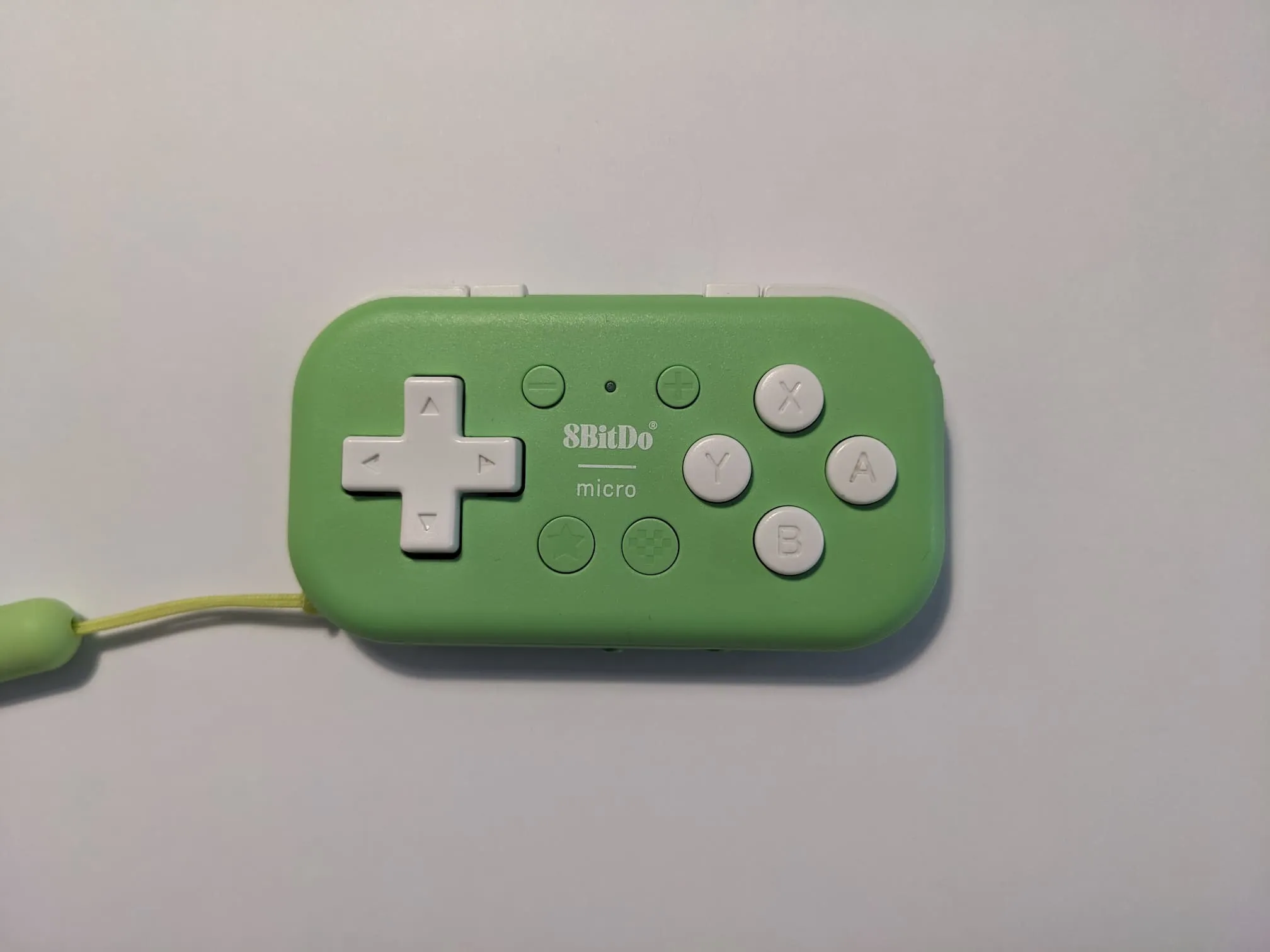
i first saw people using these as macropads for things like anki or digital art programs or ereaders. i think it works best as a macropad, too. i don’t like using it for most games because i find that the buttons require more pressure, which is satisfying for keyboard shortcuts but tiring and hand-hurty when constantly pressing buttons
i’d been nervous about getting one because at first it didn’t seem to do anything i couldn’t already do with my existing gamepads or keyboard and mouse. i had underestimated how nice it was to interact with technology through a small set of dedicated buttons!!
i like how it stops me from mindlessly going
ctrl+t [some bullshit] because i don’t have easy
access to ctrl+t. and the buttons also have a
satisfying resistance that give me a nice alternative to stimming
by clicking and scrolling around aimlessly
the micro has a little switch on the button to change between three modes: S (Switch), D (gamepaD? D-input? anDroid?), and K (Keyboard). and you can use a USB-C cable for a wired controller connection
you can use their software to remap the buttons for keyboard mode. this is useful for mapping page turn buttons for my ereader
unfortunately it’s not available for linux, and on the computer I like to change the mappings more frequently (for different programs/websites) so i’ve been using antimicrox to remap the buttons for D-mode and it works great with a few caveats:
- it shows a bunch of buttons that don’t exist on the micro. pressing a button makes the relevant field flash blue so you know you’re editing the right thing
- key combinations (e.g.
ctrl-w) are kinda unreliable. i think they work better when the button is held for a little while? - in D-mode it looks like it’s not possible to map the star button. luckily different profiles/sets mean losing a button matters less
- it works in Wayland except for automatic profile switching. it’s possible to make a workaround given there’s CLI options to switch profiles, but i haven’t (yet?)
- profiles aren’t automatically saved. i kept making changes and forgetting to save them 😿 and then needing to recreate the changes next time i opened the app